 EN
EN  FR
FR 
The 4 Points of FAQtastic: the FAQ with superpowers
The intelligent FAQ that responds like a chatbot: welcome to the world of FAQtastic's 4 Points: elasticity, (in)visibility, strength and fusion!
Visitors increasingly expect to find quickly provide clear and immediate answersTraditional FAQs are no longer sufficient. FAQtastic is a WordPress plugin designed to transform your knowledge base into interactive and intelligent tool.
FAQtastic does not just display questions and answers, it dialogue with your visitors, anticipate their needs and improve the user experience while strengthening your SEO.
1
The Power of Resilience: Dynamic Contexts
FAQtastic can adapt to any situation. Each question can be enhanced with:
Several possible formulations
Synonyms
Variants of natural language
Different user intentions
Technical aspects
FAQtastic uses a system of contexts associated with FAQs, enabling:
Result: the chatbot 'stretches' to understand as many queries as possible.
2
The Power of Invisibility: Native Integration
The best technology is the kind you don't notice. FAQtastic integrates seamlessly into your WordPress site without disrupting your design or performance.
Technical aspects
The chatbot becomes a natural extension of your website.
Present when needed, invisible when needed.
3
The Power of the Force: a Robust Search Engine
FAQtastic is powered by a robust engine capable of absorbing, analysing, and processing a large volume of queries. FAQtastic does not merely search for words; it understands intentions.
Technical aspects
This power is based on:
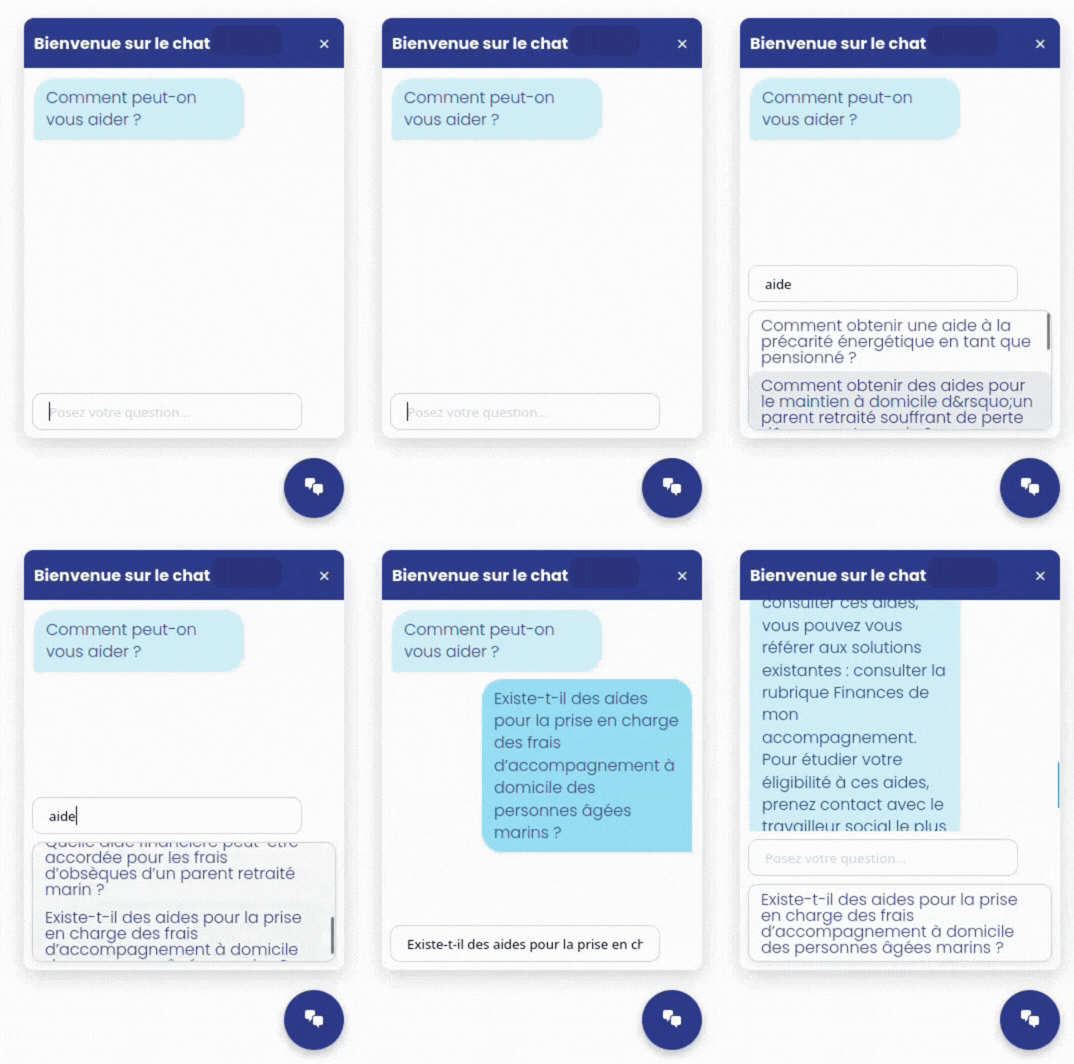
The FAQtastic engine provides the most relevant answers as soon as you start typing.
Even if the user formulates their question poorly, uses synonyms or approximate phrases, the system remains reliable.
4
The Power of Fire: Continuous Learning
FAQtastic never stays static:
It's progressing.
It's evolving.
It's burning.
Technical aspects
The system enables:
Every interaction makes your FAQ more effective.
Your knowledge base comes to life.
A united team: when powers combine
These four pillars do not function alone. They form an ecosystem.
It is this synergy that makes FAQtastic much more than just an FAQ plugin.
Elasticity
- Contexts
- Extensive comprehension
Robust
- Search
- Intent of the question = relevance
Invisibility
- Integration
- Fluid UX
Fire
- Learning
- Continuous improvement
Free vs Pro: what are the differences?
Basic
- Keywords and contexts
- Integrated chatbot
- Group/ungroup topics, themes and FAQs
- Show/hide topic and theme titles
- Dedicated SEO pages for each FAQ
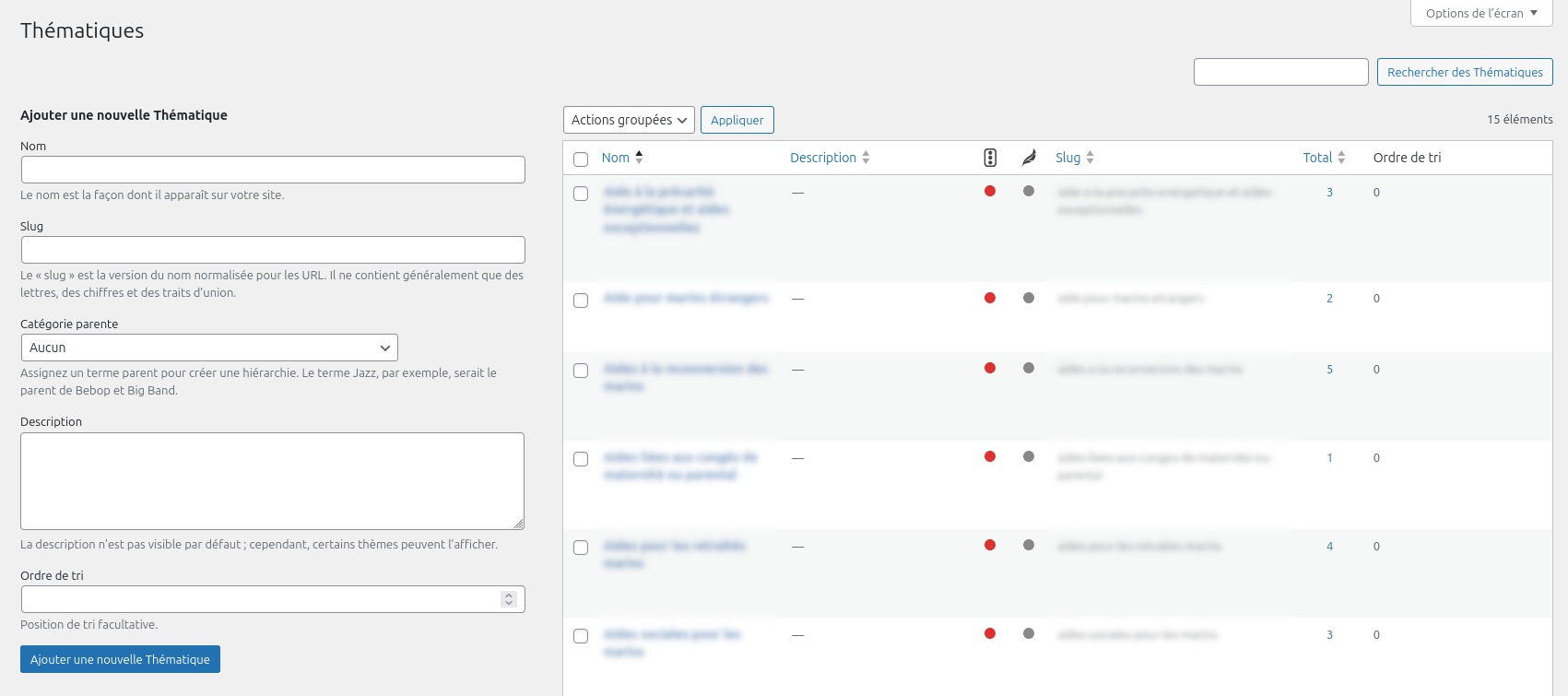
- Themes: organising FAQs
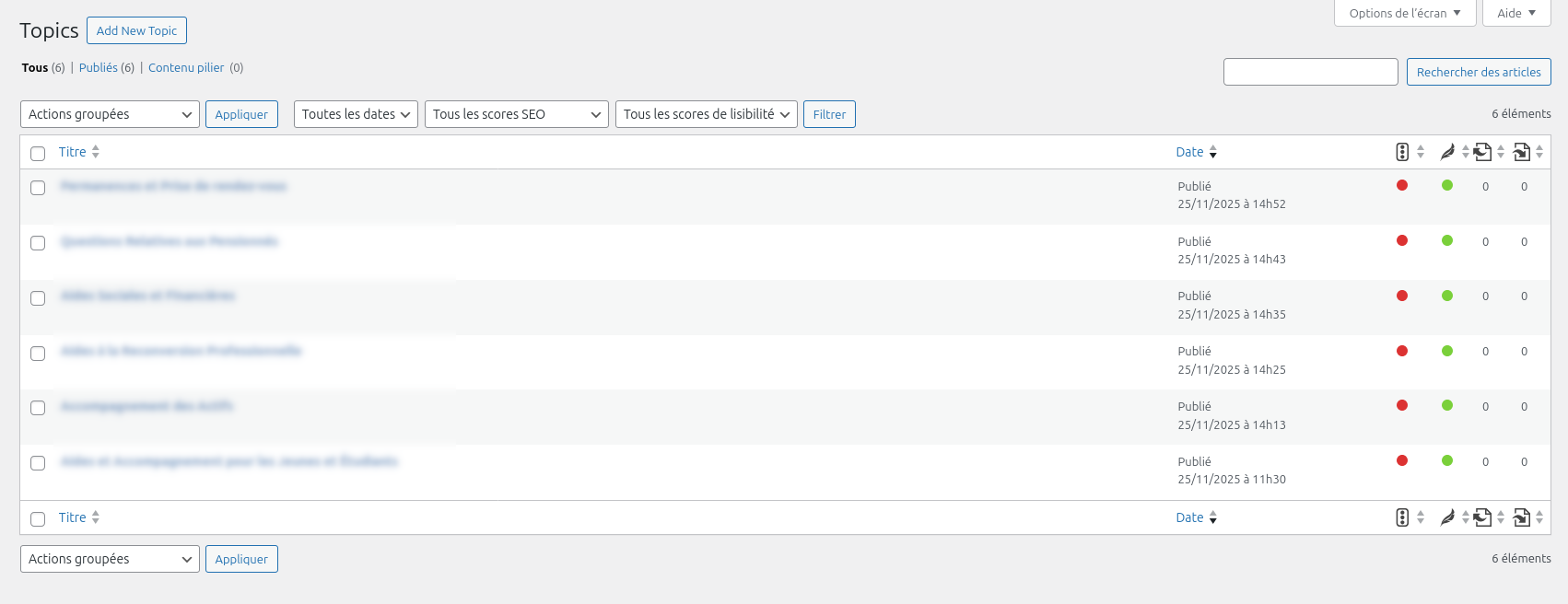
- Topics: several FAQs on the same site
- Advanced customisation of the FAQ block (limited to colours)
- Advanced chatbot customisation (limited to colours)
- Approximate autocompletion with ElasticSearch
- Free-form FAQ indicator
- Customising the chatbot icon
- Changing the chatbot subtitle
- Display questions related to the topic in Questions
- Enable/Disable user free questions
The Pro plugin
- Keywords and contexts
- Integrated chatbot
- Group/ungroup topics, themes and FAQs
- Show/hide topic and theme titles
- Dedicated SEO pages for each FAQ
- Themes: organising FAQs
- Topics: several FAQs on the same site
- Personnalisation avancée du bloc FAQ
- Personnalisation avancée du chatbot
- Approximate autocompletion with ElasticSearch
- Free-form FAQ indicator
- Customising the chatbot icon
- Changing the chatbot subtitle
- Display questions related to the topic in Questions
- Enable/Disable user free questions
Summary:
The Free version allows you to benefit from features including FAQs organised by topic, presenting them grouped or ungrouped for easy navigation, customising colours, and a chatbot that enables interactive question searching. While the Pro version takes intuitive search one step further by offering autocomplete with Elastic Search (smart search), which extends the chatbot's search to all your keywords and contexts on your site. In particular, you have advanced customisation options for the layout of content for your loops and styles, as well as the option to let your users ask you questions that appear in a dedicated moderation list.
Still not convinced?
Why FAQtastic is different
While other plugins just offer a static FAQ or simple AI-powered generation, FAQtastic goes further:
Enriched contexts for each question
You can define multiple contexts per question to improve comprehension and cover a wider range of queries.
Smart search with autocomplete
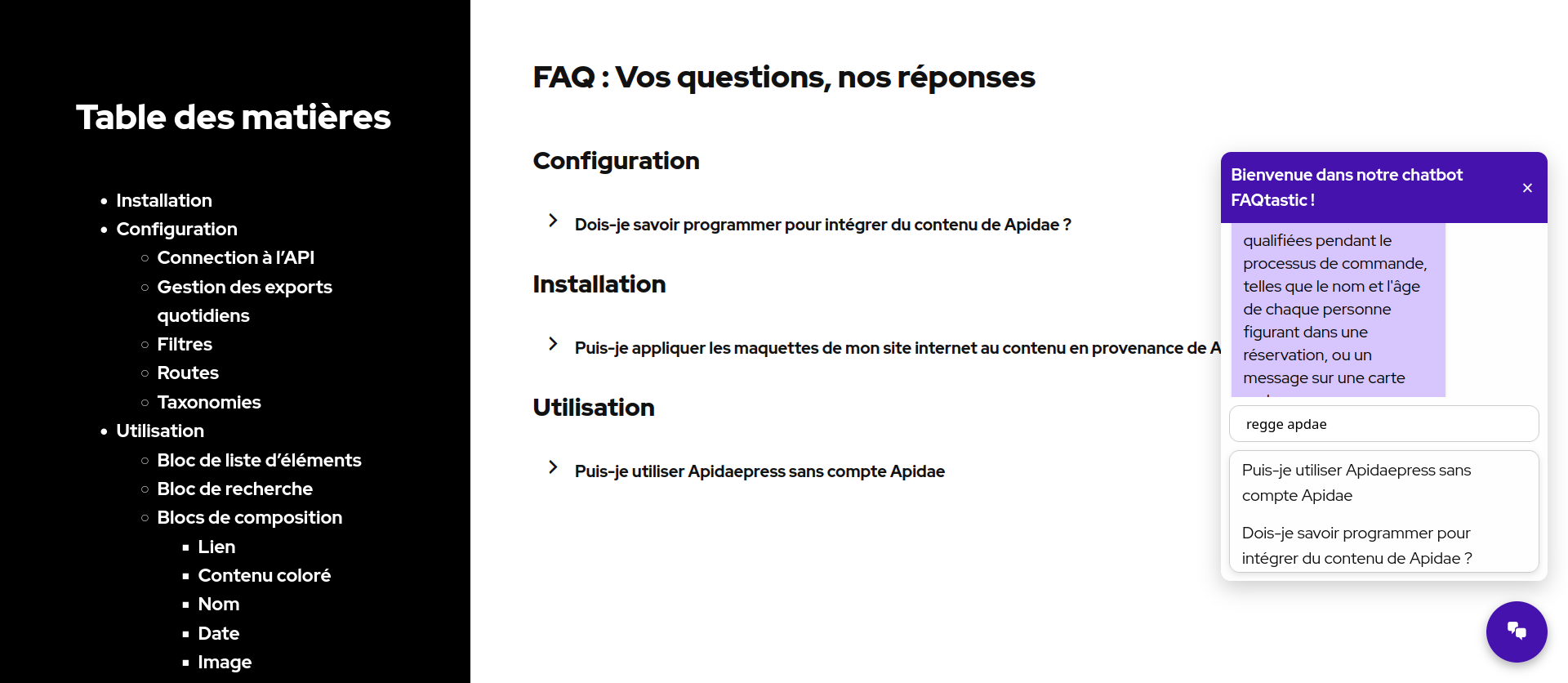
The chatbot offers relevant suggestions as soon as the user begins typing a question.
Each question has its own dedicated URL.
Each question has its own dedicated URL to improve SEO indexing. Thanks to structured FAQ pages and context-rich content, search engines can identify the relevance of your FAQs for search results.
Greater user satisfaction
Visitors quickly find what they want, without frustration.
6 Gutenberg blocks
• FAQtastic FAQ : include one or more FAQs on your pages.
• FAQtastic Chatbot : integrate the chat on all your pages.
• FAQtastic Context (pro) Add specific context to your questions directly from the WordPress editor.
• FAQtastic Count by Topic (pro) Add a topic counter to your FAQs.
• FAQtastic Siblings (pro) Add navigation between questions on the same topic in your FAQs.
• FAQtastic Indicator (pro) : easily identify your FAQs with a free layout.
Use cases
Customer support
• Significant reduction in repetitive tickets
E-commerce
• Instant responses regarding deliveries, returns, and products
Showcase websites
• Better conversion thanks to accessible information, even for complex issues
Documentation
• Intelligent navigation within the knowledge base
Simple installation and configuration
Installing FAQtastic does not require any advanced technical skills:
Download and activate
the extension FAQtastic (from the WordPress directory or ZIP file) and FAQtastic PRO from the zip file for the extended pro version.
Settings
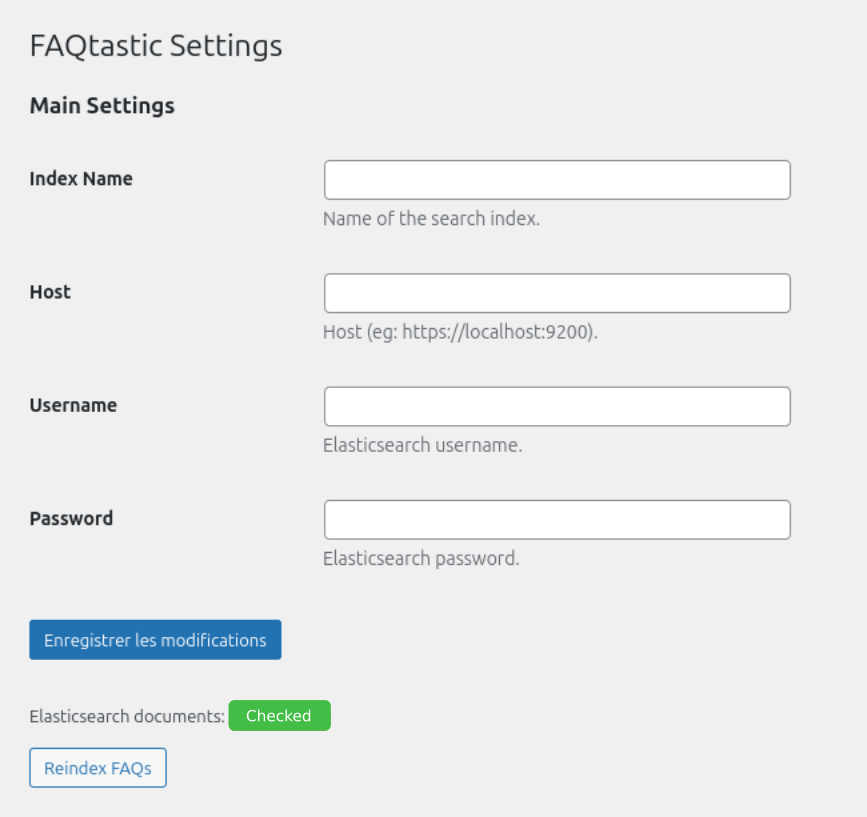
Adjust the settings for Elasticsearch (pro version).
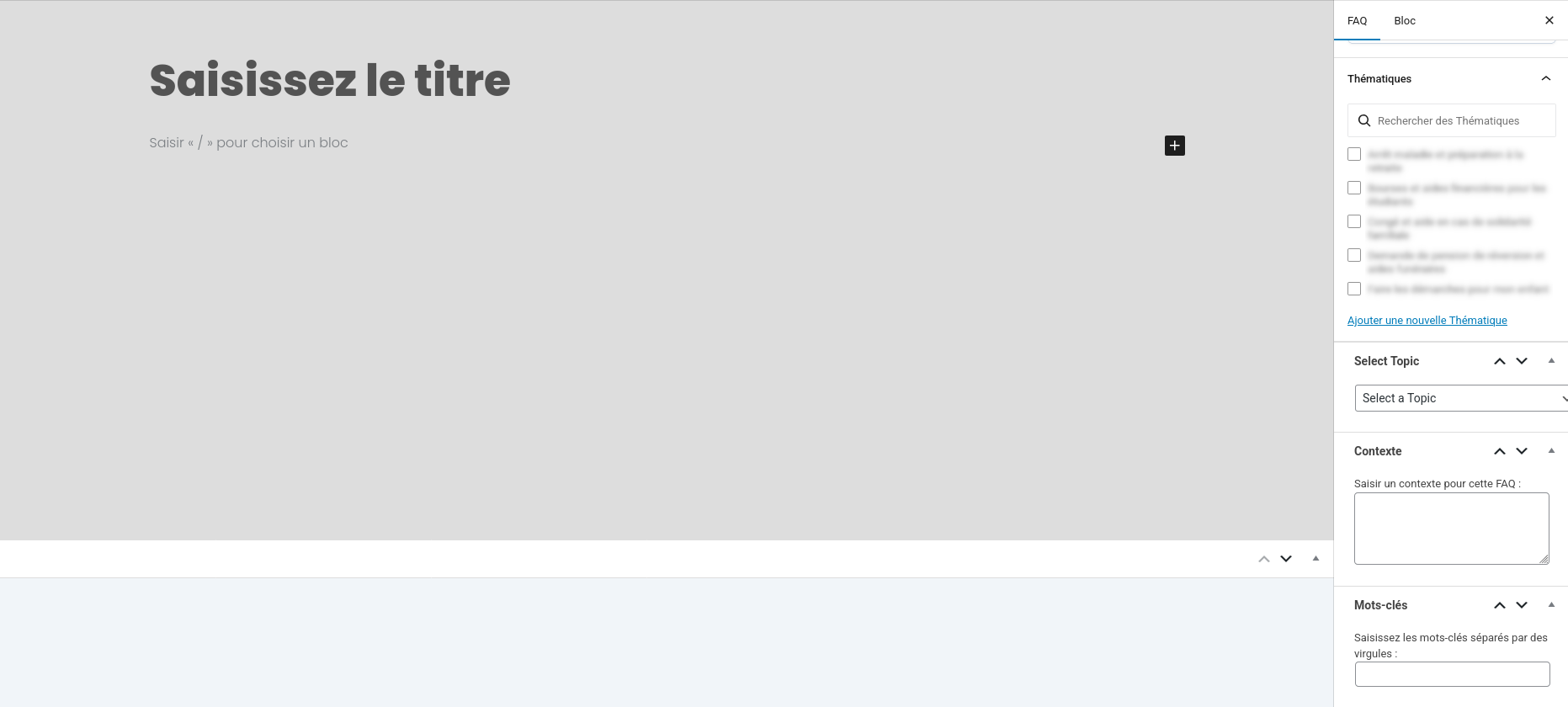
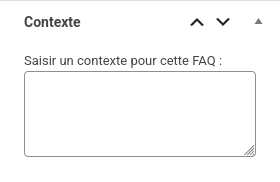
Integrate the context
to editing your FAQs with the block FAQtastic Context.
Add your questions
and organise them by topics, thematics and contexts.
Integrate FAQtastic block
to one or more pages of your site via the native block for Gutenberg: FAQtastic FAQ.
Integrate the chatbot
in the header or footer via the native block for Gutenberg: FAQtastic Chatbot.
Customise the display
Select the icon, styles (fonts, internal and external margins, borders, background colours and shapes, etc.).
Advantages
Integrate Count by Topic, Siblings et Indicator blocks to further customise your loops and layouts. Ensure no user is left behind by moderating pending questions from your users to populate your FAQs or send them a personalised response.
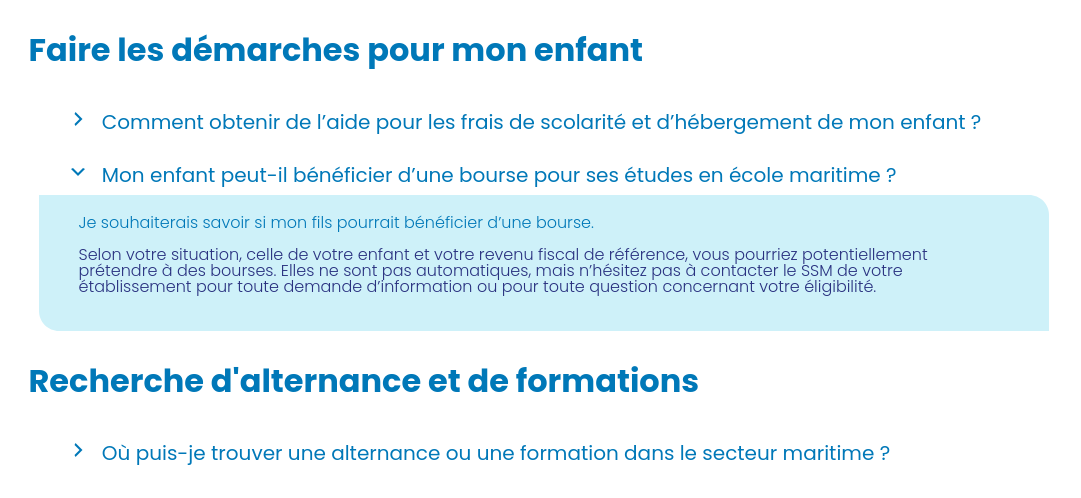
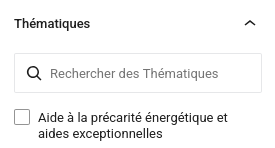
Overview of the extension in pictures
Updates and technical support included for 1 year
The FAQtastic plugin includes a one-year licence that gives you access to all product updates and technical support via email. This means you benefit from an up-to-date event management solution and always have help at your fingertips when you need it. If you wish to continue receiving updates after one year, you can renew your licence at half the purchase price.
In summary
FAQtastic reinvents the WordPress FAQ by adding an intelligent chat interface that can understand le langage naturel des visiteurs and provide relevant answers. If you want to transform your knowledge base into an interactive and productive tool, FAQtastic is for you.
With FAQtastic, you're not just deploying a plugin.
You are recruiting a team of superheroes!
Would you like to know more ?
Come to view product sheet !
You are using our plugin and you have questions ?
Read ou online documentation and FAQ
In the same category
-

The 4 Points of FAQtastic: the FAQ with superpowers
Le Pouvoir de l’Élasticité : les Contextes Dynamiques FAQtastic sait s’adapter à toutes les situations. Chaque question peut être enrichie avec : Côté technique FAQtastic utilise un système de contextes associés aux FAQs, permettant : Résultat : le chatbot «…
-

Découvrez PersonaLizer : un seul site, plusieurs expériences
Que propose PersonaLizer ? Pourquoi utiliser PersonaLizer ? Extension à tester gratuitement ici > Gratuit vs Pro : quelles différences ? Synthèse : La version gratuite vous permet personnaliser vos contenus en leur attribuant des personas pour vos visiteurs qu’ils…
-

CSS Custom addons 1.6
La dernière mouture se veut beaucoup plus accessible. Changement de nom, Interface au petits oignons Vous souhaitez en savoir plus ? Venez voir la fiche produit !