
 EN
EN  FR
FR 

Discover PersonaLizer: one website, multiple experiences
What if your WordPress site really did adapt to your visitors? Create personas, filter your content and products, and offer a bespoke experience.
In an age where a personalised user experience is becoming a key factor in retaining your visitors, building audience loyalty and increasing your conversion rates, the plugin PersonaLizer comes as a solution simple, efficient and unique for WordPress
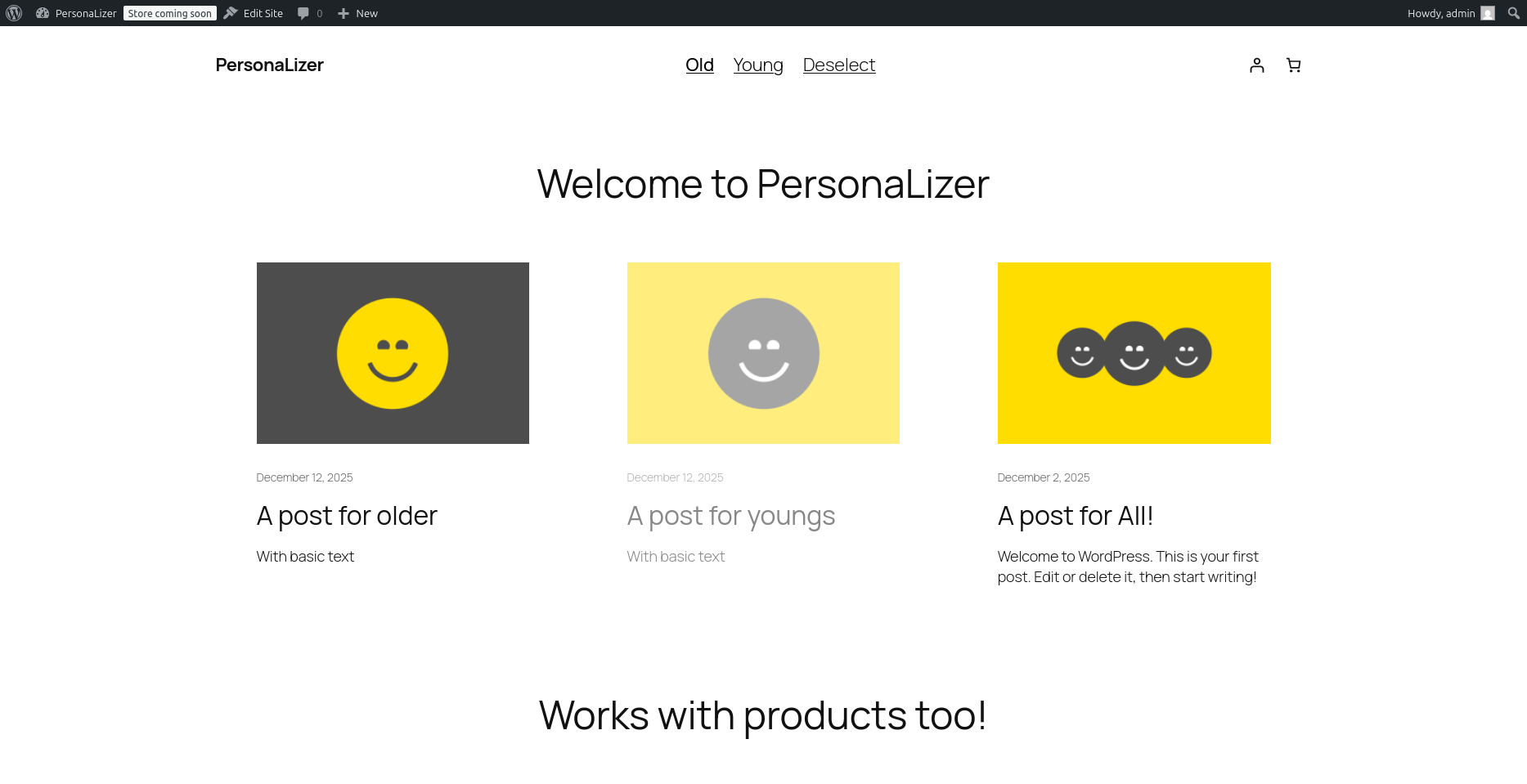
PersonaLizer allows you to define personas, i.e. typical visitor profiles, and then filter and tailor your website’s content depending on the persona chosen by the user, for a fully personalised experience.
Are you a UX design specialist or an agency? Have you promised your client a UR experience? This extension is made for you!
What does PersonaLizer offer?
A persona selector visible côté site
(Gutenberg block or shortcode)
Assign personas to any content
(articles, pages, CPT…)
Filter dynamically displaying content based on the persona selected by the visitor
A more engaging experience and more relevant right from the very first interaction.
Why use PersonaLizer?
Site-wide filtering by persona
• The persona can affect all content of the website, individual pages and/or specific blocks.
• A fully consistent user experience.
• Visitors can only see information that is relevant to them.
Improving engagement and conversion
• A clear and engaging “You are” (= UR) experience.
• Increase the time spent on the site and the conversion rates (clicks, forms, purchases, etc.).
• Visitors get the impression that your website is ‘speaking directly to them’.
• Reduced cognitive load.
Also works with (WooCommerce) products
• Customise your shop front according to user profiles (B2B / B2C, beginner / expert, etc.).
• Offer a bespoke product experience.
• A more relevant shopping journey = higher conversion rates.
Key benefits for the website publisher
• Compatible with all themes.
• No-code extension.
• Can be used as a Gutenberg block or shortcode.
• Fewer duplicate pages.
• One site, many experiences.
• Greater clarity regarding the offer.
Try this extension for free here >
Free vs Pro: what are the differences?
Basic
- Create an unlimited number of personas
- Persona selector
- Assigning personas to content (pages, articles, CPTs, etc.)
- Simple content filtering (attenuation/fade)
- Advanced masking
- Block-by-block checking (page elements)
- Compatible with WooCommerce shops (taxonomies and products)
- Sub-personas
- Advanced display options
The Pro plugin
- Create an unlimited number of personas
- Persona selector
- Assigning personas to content (pages, articles, CPTs, etc.)
- Simple content filtering (attenuation/fade)
- Advanced masking
- Block-by-block checking (page elements)
- Compatible with WooCommerce shops (taxonomies and products)
- Sub-personas
- Advanced display options
Summary:
The Free version allows you to personalise your content by assigning personas to your visitors, which they can then select; content not relevant to their profile will be greyed out. While the Pro version turns the tool into a comprehensive solution and extends the assignment options to internal page elements/blocks (text, headings, groups, grids, query loops, etc.) as well as to WooCommerce products; completely hides content when filtering by persona; and provides an advanced editor with flexible display options, all without writing any code.
Use cases
Corporate or institutional website
• Target audiences: Private individuals / Businesses / Local authorities
• Tailored content, CTAs and forms
• A clearer message, less confusion
E-commerce website (WooCommerce)
• Products filtered by persona
• Tailored offers and messages
• Better conversion, less friction
Educational website or training platform
• Personas by level or profile
• Personalised educational programme
• Less irrelevant content displayed
High-traffic blogs or media outlets
• Segmenting readers by interests or objectives
• Targeted articles, recommendations and CTAs
• Greater commitment
Simple installation and configuration
Installing PersonaLizer does not require any advanced technical skills:
Installation and activation
Install the plugin on your WordPress site (via the dashboard or the ZIP file).
Activate the plugin.
Settings
Open the tab Articles or Pages → Personas → Choose the types of publications who will be assigned to the personas.
Create personas
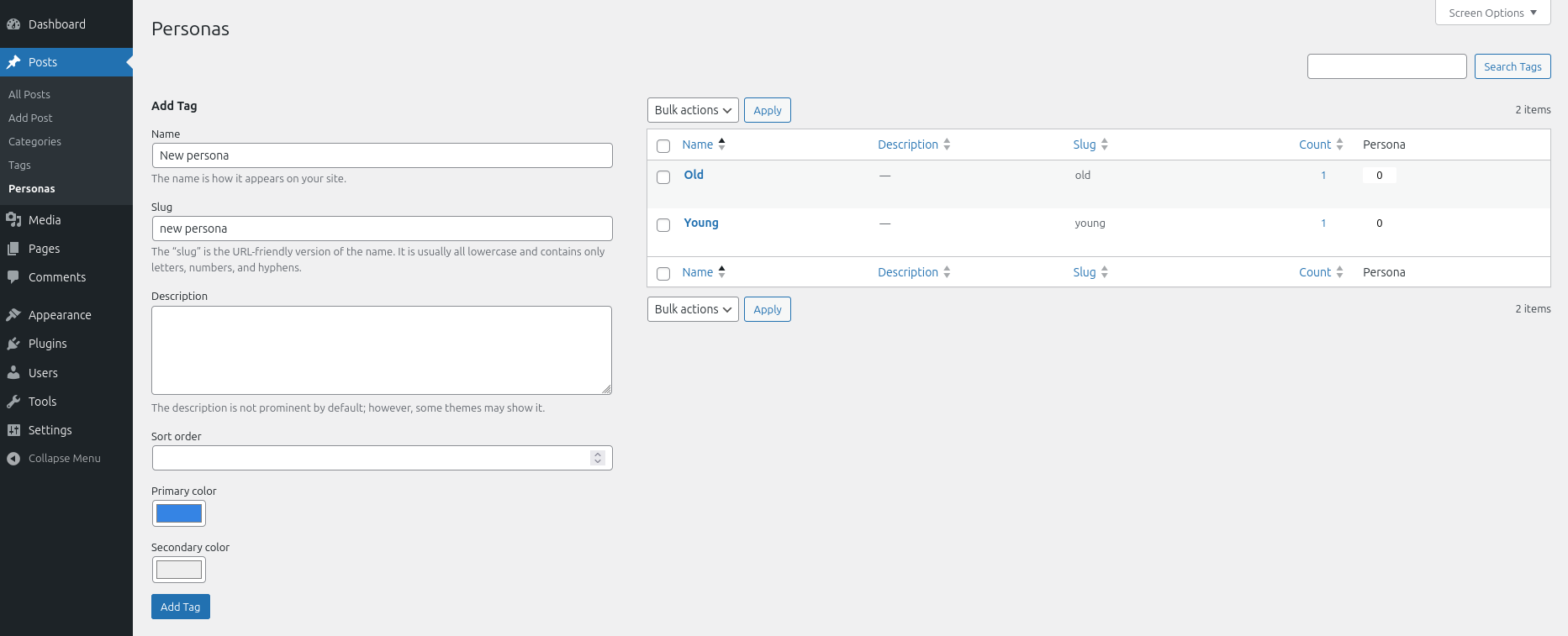
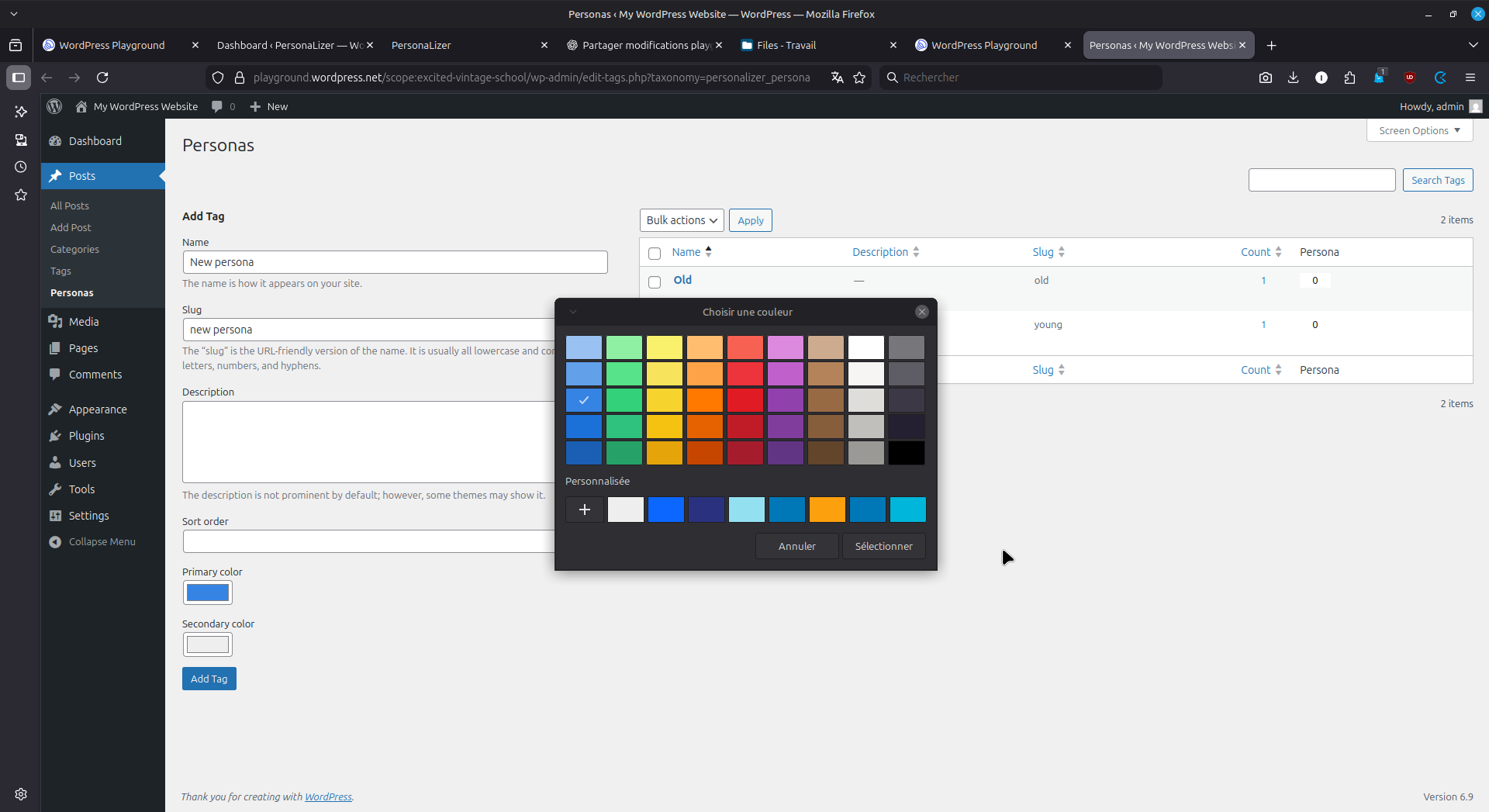
Create as many personas as you like; you can assign them a primary and secondary colour to tell them apart.
Create content and assign a persona
Create content and, in the right-hand sidebar, search for ‘Persona’, select the persona the article is intended for (or select ‘None’ to make the article visible to everyone), then save. The same applies to products (Pro version).
Add the persona selector
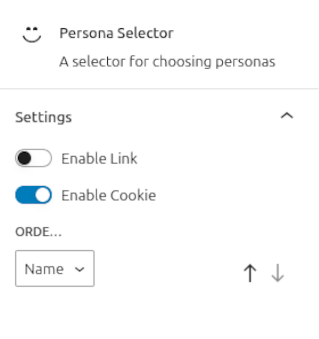
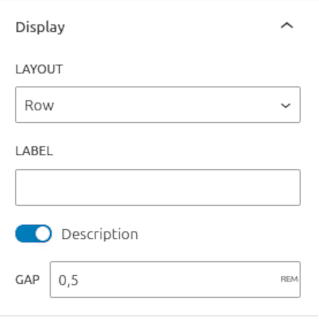
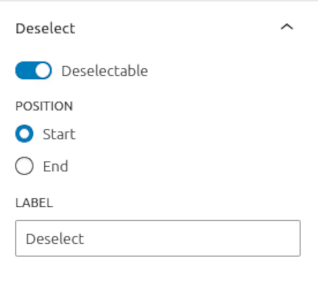
Add the Persona Block (Gutenberg block or shortcode) to the desired location in your theme. Customise the order, display (row, list, select or drop-down menu), the link option on the persona, the cookie and the deselection option. Customise the block’s styling (Pro version).
It's done!
Click or unclick your personas and see how the content adapts to each profile.
The content of your entire website is filtered for each of them!
Updates and technical support included for 1 year
The PersonaLizer plugin includes a one-year licence that gives you access to all product updates and technical support via email. This means you benefit from an up-to-date event management solution and always have help at your fingertips should you need it. If you’d like to continue receiving updates after one year, take advantage of the renewal offer at half the purchase price.
In summary
PersonaLizer is an extension human-centred, which transforms a standard WordPress site into personalised experience by persona, including for products.
It is a particularly useful tool for websites aimed at several distinct targets without wanting to increase the number of websites or make navigation more complicated.
Whether it’s for a blog, a corporate website or a WooCommerce shop, PersonaLizer offers a powerful and simple way totailor the experience to each visitor with a smooth transition from the free version to the advanced features of the Pro version.
Would you like to know more ?
Come to view product sheet !

Our articles about the plugin
-

New feature for FAQtastic 1.4.0!
Question suggestion option: Other improvements. Would you like to find out more? Take a look at the product page! Are you using our extension and have any questions? Check out our online documentation and FAQs. Our articles on…
-

What’s new in Hello Bruce 2.0.0!
Functionality improvements: Would you like to find out more? Take a look at the product page! Are you using our extension and have any questions? Check out our online documentation and FAQs. Our articles about the extension
-

Discover IRIS: your platform for collecting ideas and conducting surveys
Que propose concrètement IRIS ? IRIS vous rend indépendant des plateformes de sondages comme TypeForm ou autre services de ce type. Vous reprenez la main sur vos données et garantissez l’anonymat de vos participants. Vous gérer en un seul endroit…